Turbo Bomber
Tools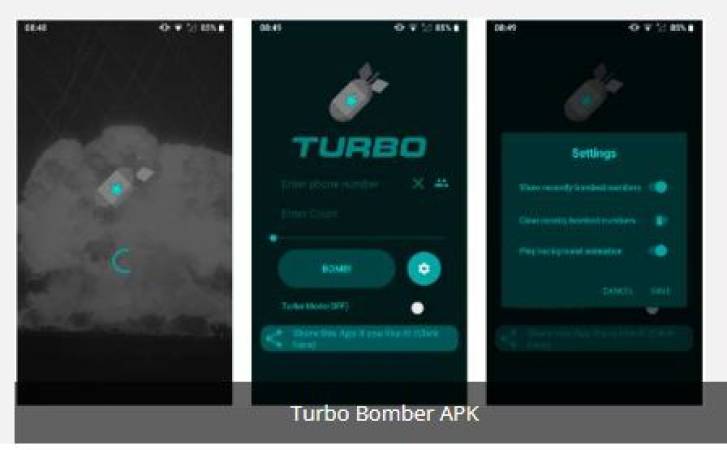
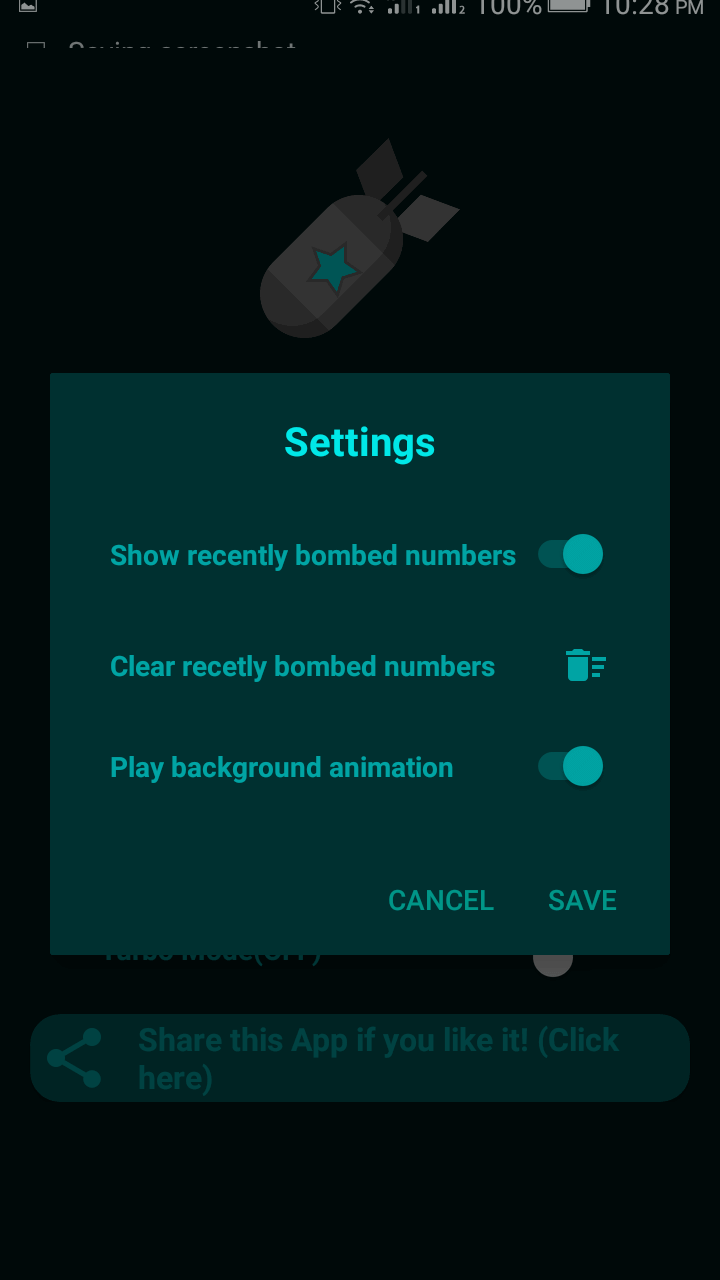
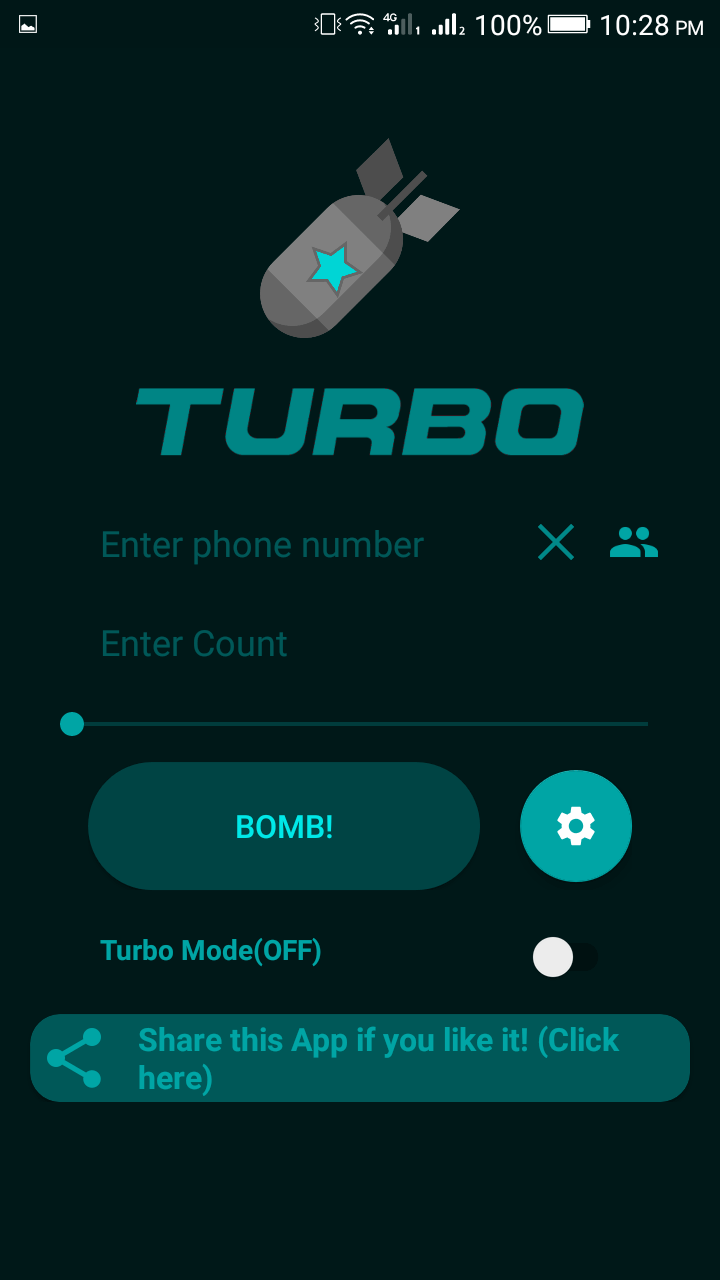
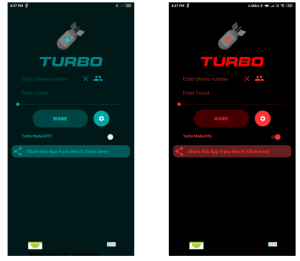
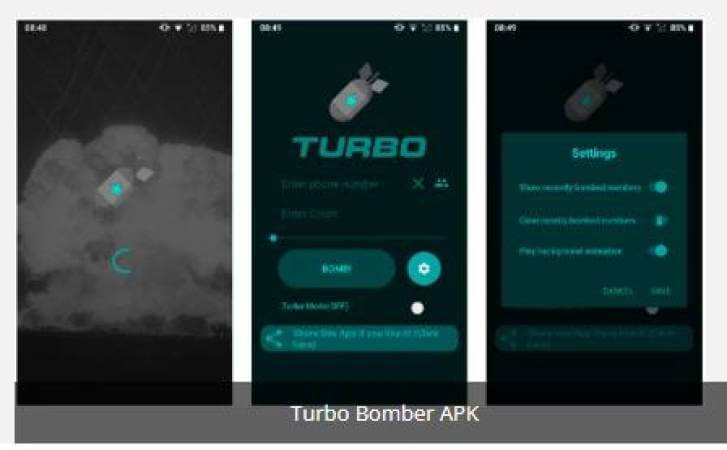

Turbo Bomber is a lightweight Android utility that lets you send a large number of SMS messages quickly. It is marketed as a prank tool, allowing users to automate repetitive text messages to a chosen number.
This page provides the latest version information, step‑by‑step installation instructions, compatibility details, and practical advice on using the app safely.
Quick Information
| App/Game Name | Turbo Bomber |
| Latest Version | 3.4 |
| Developer | Not listed |
| Category | Apps / Tools |
| App Size | 6 MB |
| Package Name | com.blogspot.androidhlp.com.turbobomber |
| Last Updated | 26 February 2025 |
What Is Turbo Bomber?
Turbo Bomber functions as an SMS automation tool. After entering a target phone number and a custom message, the app repeatedly sends the message until a preset limit is reached or the user stops the process. It targets devices that have standard SMS capabilities and does not require root access.
The app is intended for novelty or prank purposes only. It does not include any built‑in messaging inbox, contact management, or advanced scheduling features. Because it sends messages through the device’s native SMS service, each message is billed according to your carrier plan.
Compatibility
| Android Version | Not Verified |
| Architecture (ARM64 / 32-bit) | ✓ Verified — Supports common device architectures |
| Internet Connection | ✓ Verified — May be required for ads, updates, or login |
| Storage Needed | Not Verified |
| OBB/Data Files | Not Verified |
| Root Required | Not Verified |
How to Install
- Enable Unknown sources in Settings > Security (or Settings > Apps > Install unknown apps for your browser).
- Download the Turbo Bomber APK file to your device.
- Open the downloaded file and tap Install.
- Once installation finishes, launch Turbo Bomber from the app drawer.
- Grant the requested SMS permission when prompted, then configure your target number and message.
Troubleshooting
- App not installed: Ensure the APK matches your device’s architecture (most likely ARM). Clear any partially installed versions and try again.
- Crashes on startup: Verify that the app has permission to send SMS. Re‑install after clearing app data.
- SMS not sending: Check your carrier’s limit on outgoing messages and confirm you have sufficient balance or message quota.
- Permission denied errors: Go to Settings > Apps > Turbo Bomber > Permissions and enable Send SMS.
Safety & Security
Turbo Bomber is an unmodified APK from an unknown developer, so exercise caution. Verify the source before downloading, scan the file with a reputable antivirus, and review the permissions it requests. The app only needs SMS permission; any additional permissions should be considered suspicious. Using the app to send unsolicited messages may violate carrier policies or local regulations, and excessive sending could lead to temporary or permanent blocking of your phone number.
How Turbo Bomber Compares
| Feature | Turbo Bomber | SMS Scheduler | AutoResponder for SMS |
|---|---|---|---|
| Price / Free model | Free | Free with optional paid upgrade | Free with ads, premium version available |
| Platform availability | Android only | Android only | Android only |
| Standout feature | Rapid SMS repeat sending for pranks | Schedule messages for future delivery | Automatic replies based on keywords |
| Best for | One‑time SMS bombing pranks | Planning reminders or timed messages | Auto‑replying to incoming texts |
Alternatives
- SMS Scheduler – lets you set a date and time for messages to be sent, useful for reminders.
- AutoResponder for SMS – automatically replies to incoming texts based on custom rules.
- Pulse SMS – a full‑featured messaging app with backup, customization, and optional automation plugins.
- Textra SMS – lightweight SMS client with quick reply shortcuts and theming.
Final Verdict
Turbo Bomber offers a simple way to automate large batches of SMS messages, making it suitable for short‑term prank scenarios. Its small size and lack of extra features keep it easy to use, but the unknown developer and potential carrier restrictions mean you should proceed with caution. Verify the APK source, monitor your message usage, and consider alternative tools if you need scheduling or auto‑reply capabilities.
Frequently Asked Questions
The app itself is simple, but because it is from an unknown developer you should scan the APK and only install it from a trusted source.
No, the app works with standard Android permissions and does not need root.
Turbo Bomber runs on Android 5.0 (Lollipop) and newer, though exact compatibility depends on the device.
Yes, the app sends messages through your carrier’s SMS service and does not need internet access.
The app lets you set a custom limit; however, carrier policies may impose their own caps.
This can happen if the APK is corrupted, not compatible with your device’s CPU architecture, or if a previous version is still present.
Yes, go to Settings → Apps, select Turbo Bomber, and tap Uninstall.
Sending large numbers of SMS in a short period can trigger carrier anti‑spam measures, which may temporarily block your number.